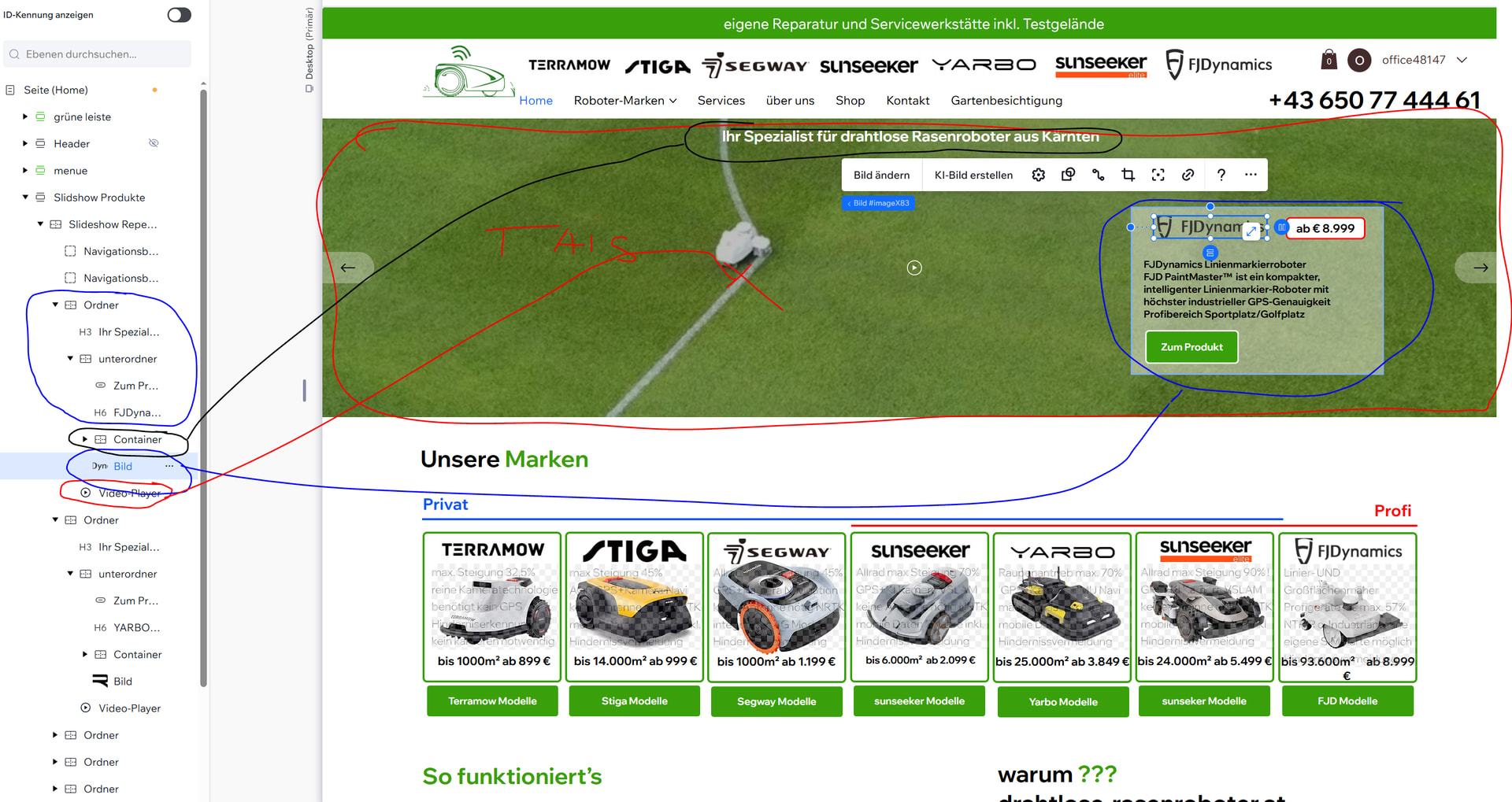
In the each slideshow’s video player, replace the cover image with a GIF file(instead of single frame) showing first few seconds of your videos.
This will show the video in motion but as a GIF. You can use canva to cut the video and export as GIF or any standard video editing software.
You can also make all GIF’s(for each slide) time the same and add the same time in the Auto Slide Change to make it look like the video is playing(this is optional). The GIF time should be equal to Transition Time+Time the slide stays visible.