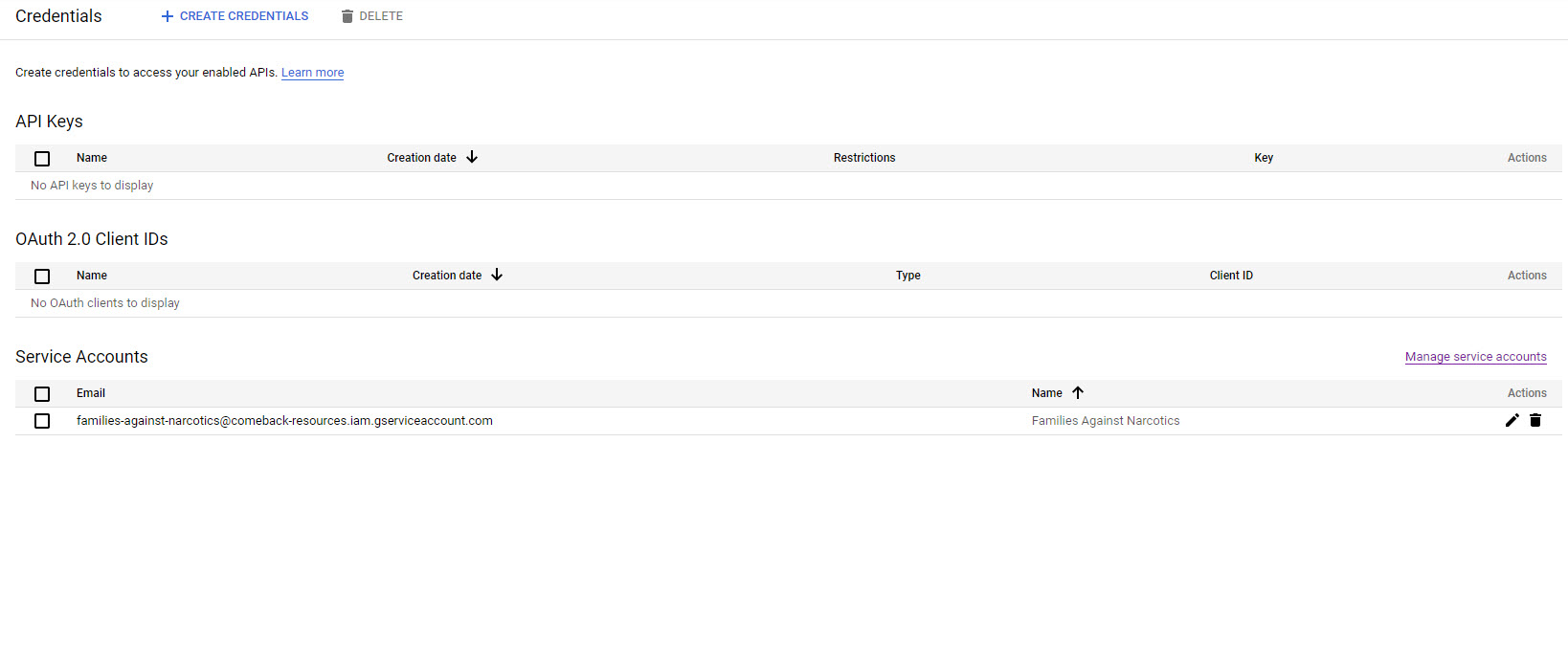
I have been working on this for a good amount of time now. I have followed these instructions with setting up the Google Cloud Platform.
Copied backend code and sheetId to the Secrets Manager.
Added the JSW, the Google-Sheets-Integration and the GoogleApis NPM
Got the code and the elements in my page.
Originally, I was getting an error when I would click the getButton. I realized that instead of just the SheetID, I had the full URL to the Sheet.
Now I have the Sheet Id only in the SheetId Secret and the button does absolutely nothing. I do not even get a log line for an event.
The 2 things I was toying with was
- Does it have something to do with OAuth?
- Does it have something to do with permissions or owner of the Google Sheet itself?
This is in my page
import { getValuesWrapper } from 'backend/googlesheet-wrapper.jsw';

$w.onReady(function () {
    registerHandlers();
});

function registerHandlers() {
    $w('#getButton').onClick(() => getValuesFromSheet());
}

async function getValuesFromSheet() {
    try {
        const [name, email] = (await getValuesWrapper('A1:B1'))[0];
        $w('#nameOutput').value = name;
        $w('#emailOutput').value = email;
    } catch (err) {
        showMessage(err.toString());
    }
}

function showMessage(msg) {
    $w('#showMsg').text = msg;
    $w('#showMsg').expand()
    setTimeout(() => {
        $w('#showMsg').collapse();
    }, 5000);
}