I’m having trouble with
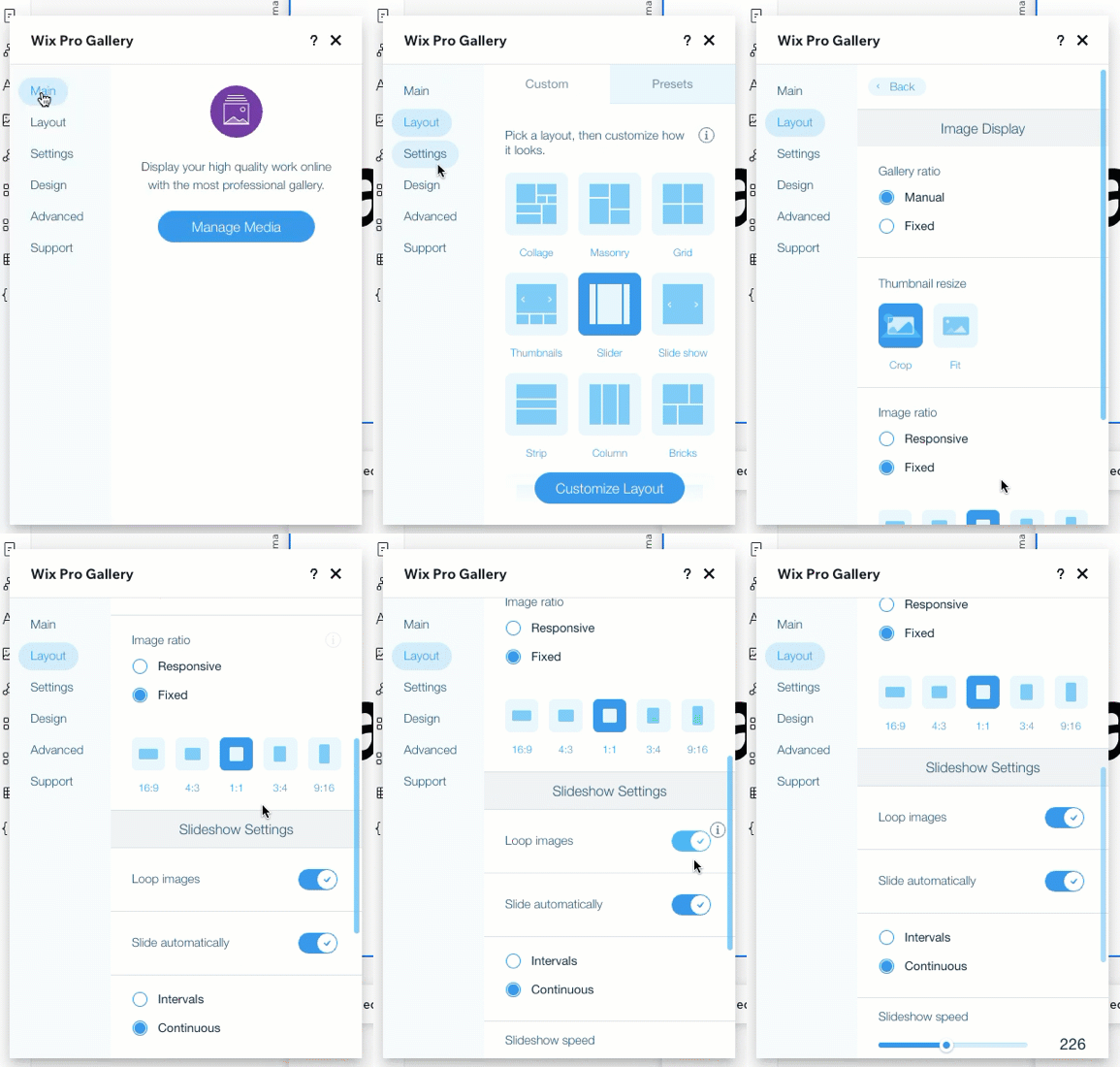
I added a gallery with client logos on the page I design for my client. The goal was a banner with logos that automatically loops . The endless loop box is ticked and the gallery type is a slider, but for some reason it always stops once it reached the last logo. Can anyone help me to find out why? I’d appreciate it!
Working in
Wix Studio Editor
Site link
What I’ve tried so far
I read up on all possible reasons why this isn’t working, but so far nothing came up.
Hi Rob! Wow, thanks a lot for taking the time to investigate this.
I took a screenshot of the settings for the gallery. Sorry, it’s in German, but my client is German-speaking. As you can see, ‘Endlosschleife’ is active - this means endless loop.
In your example, though the gallery indeed loops correctly.
Do you have any idea, why?
From my limited German, it looks to be a video setting you’re changing. I see a similar option here (albeit in English). That means the video will keep playing again once it ends.