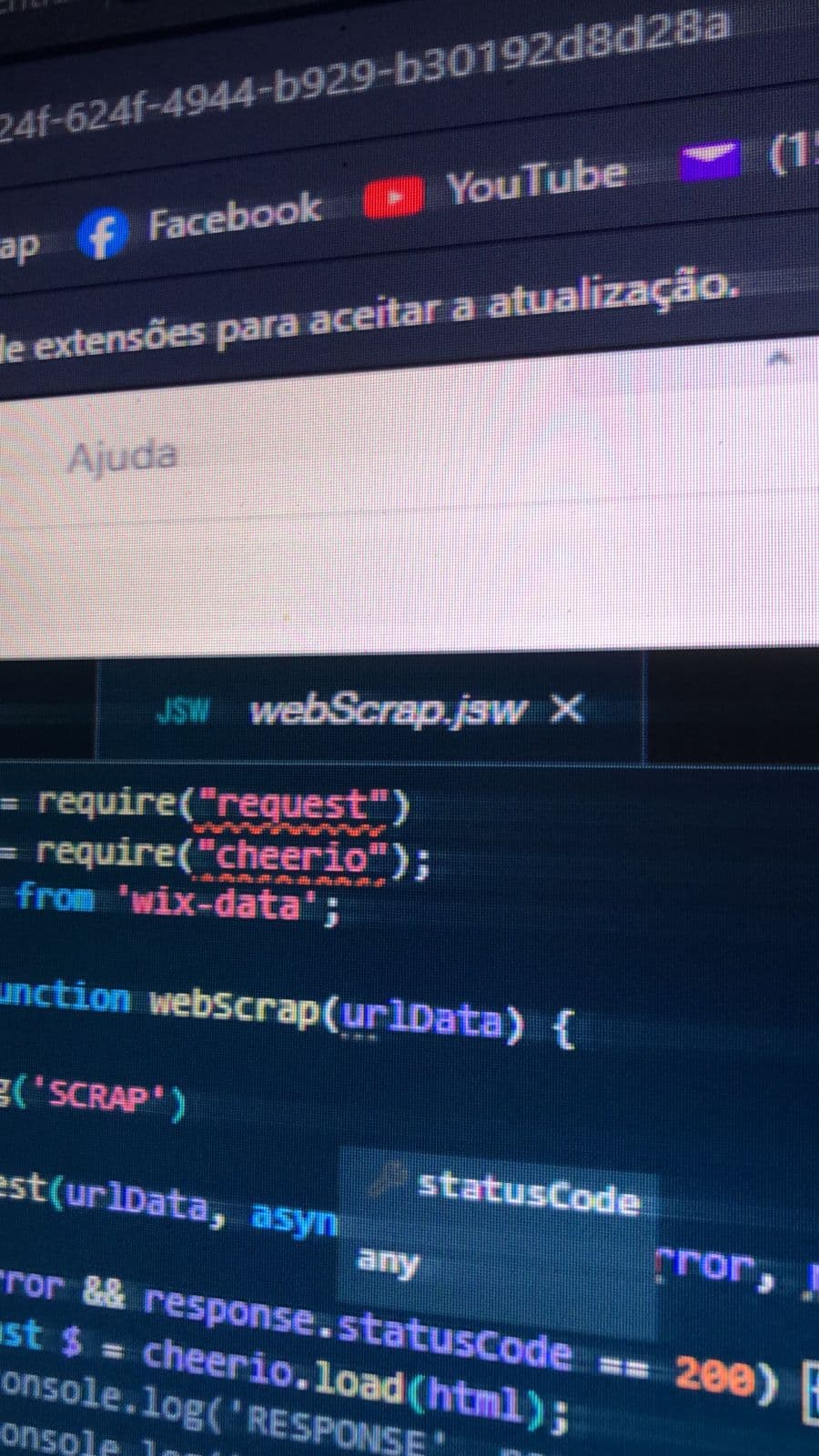
It has been almost 24 hours since I submitted a ticket and started this thread and still no solution. This is causing me serious downtime.
I have a Business Elite plan. Where’s the VIP phone support option??
Any updates on this? I am experiencing the same bug. My npm package is installed but I can’t import it.
Wix has finally acknowledge the issue: All RPM packages are currently offline
2 Likes
Hello all -
For anyone who has not yet opened a ticket, I want to remind that customer support is not in this forum and will not see these posts. If you are having issues, you will need to open a ticket Contact Wix (I am aware some of you already have)
I have just tested importing and using NPM on a site of mine and am not able to replicate these issues so it is potentially isolated but customer care will be able to advise better here via tickets.
If your error is only visual, but the code is working you can proceed. There are some instances in which this false positive happens. If your code is not working AND you see the red squiggle, please open a ticket Contact Wix
1 Like
Thanks for your reply Amanda. I opened a ticket over a day ago now. About 3 hours ago I received a generic response from Wix support asking for information but didn’t address the issue I outlined clearly in the support ticket. Now I sit and wait. At first I was trying to be a good sport about this but after 2 business days of failing my customers its hard to be.
I have an update. The squiggly red lines have disappeared, but my code is still not working. Can you check yours?
I checked again and the issue has been solved.
1 Like
WOOHOO! I can confirm - problem solved!
Thanks for the heads up
Regards
1 Like
This may or may not be related, but since the npm problem got fixed I’ve noticed that if I remove an element from the page or change its ID the lines of code that refer to that element do not show a squiggly red error line. For example, the code $w(“#textbox”).text shows no error even if there is no #textbox element on the page.
Refreshed the Wix Editor and the npm problem fixed itself, but the missing element issue remains.