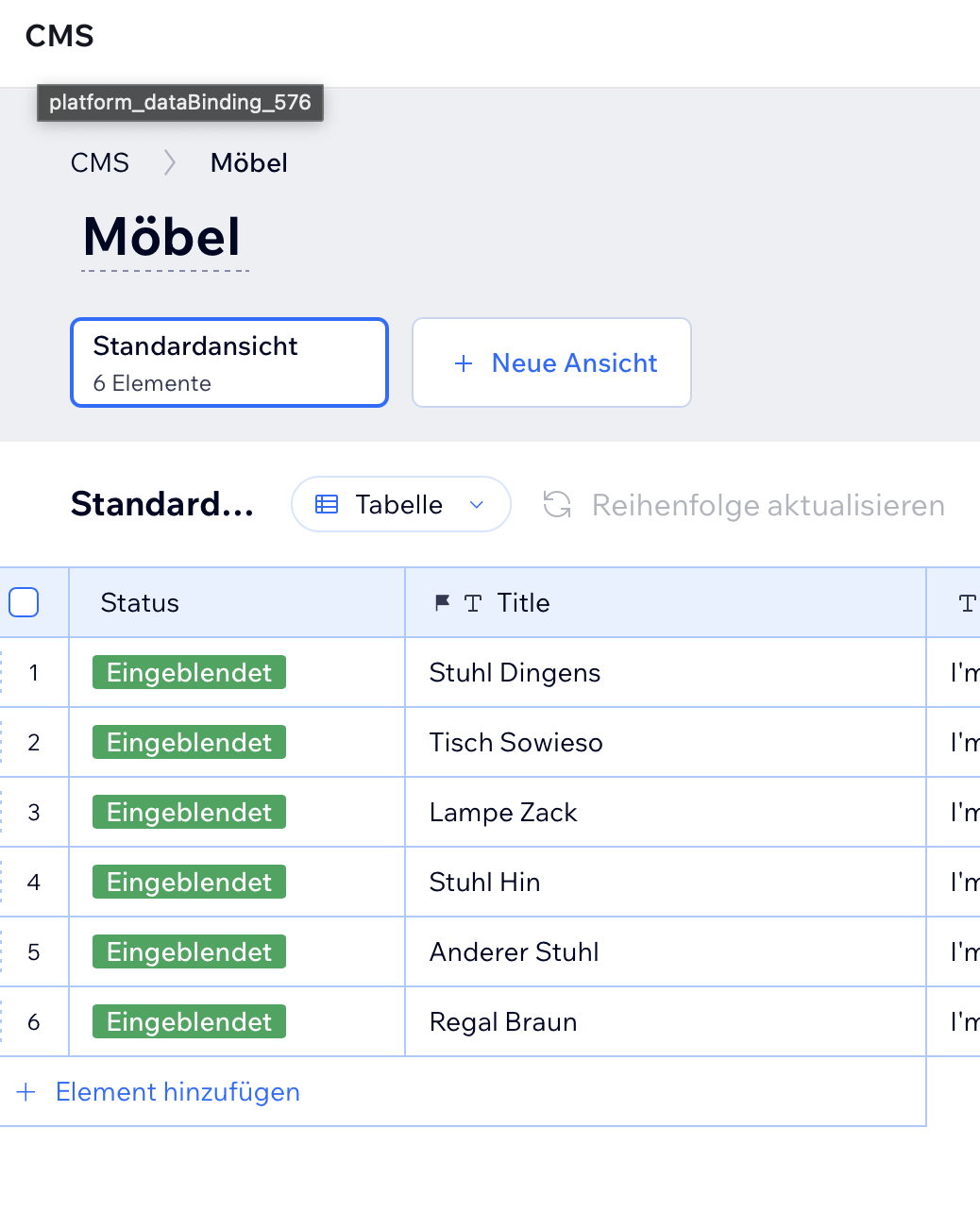
I am using the standard “Portfolio-Wireframe” template in Wix Studio.
On the individual page of a project item, I want to retrieve the title as a variable and set it as the subject in a form embedded on the page. I am using the following code for this:
$w.onReady(function () {

let yourvalue = $w("#text26").text;

$w("#form5").setFieldValues({
betreff: yourvalue,
});

});
However, the subject field in the form always displays only “Project Name.” I do not know where this value is coming from or how to get the actual text content of #text26, meaning the real title of the project item. Any ideas?
Since this is running before the dataset has finished loading, it’s getting the unbound text from the text element.
Firstly, I’d move it within an onReady for the dataset, and instead of getting the text from the text component, I’d work directly with the data from the dataset. Something like:
$w.onReady(function () {
    $w("#dynamicDataset").onReady(() => {
        const itemObj = $w("#dynamicDataset").getCurrentItem()

        $w("#form5").setFieldValues({
            betreff: itemObj.title,
        });
    })
});
Thank you very much for your reply. Unfortunately, I am a beginner in this area. I have tried to learn about datasets and how to read from them so I can understand what is happening, but I keep getting error messages that I’m unable to solve.
UserError: datasetApi ‘onReady’ operation failed
Caused by DatasetError: Operation (onReady) is not allowed because the field used to build this page’s URL is empty
Caused by: DatasetError: Operation (onReady) is not allowed because the field used to build this page’s URL is empty
DatasetError: Operation (onReady) is not allowed because the field used to build this page’s URL is empty
The error messages say that the field used to build the URL is empty, but I can’t understand why. In the settings, the URL slug is set to Title, and Title is the primary field in the CMS and is filled everywhere.
I think this sometimes happens within the editor. If you publish a test site and check the browser console, you should be good