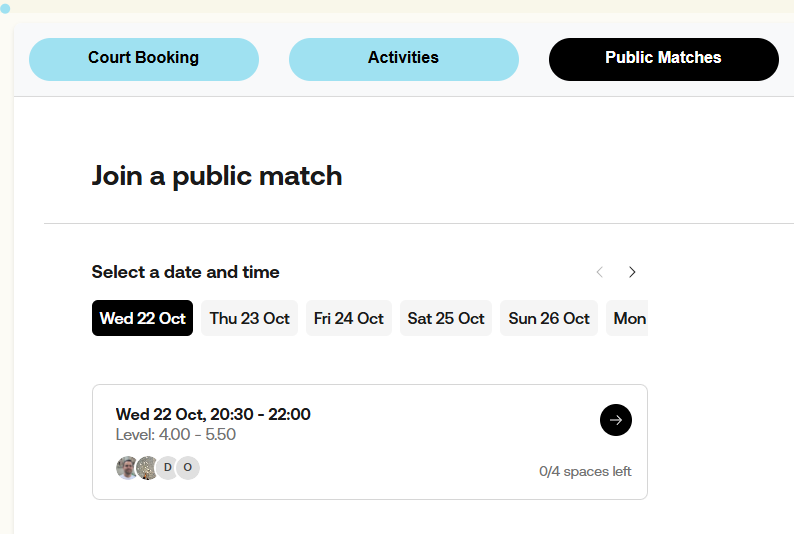
In Wix Studio, I want to dynamically change iFrame content (client has four different sets of Web Components code they want to access) with buttons? Or dynamically switch between four different iFrames.
They have a competitor site that they want to emulate (not a Wix site) it’s use of this same embedded code. See below..
Cardiff – Smash Padel
Many thanks for your advice in advance!
There’s a few different approaches I can think of:
- Tabs component - with each tab having a different iFrame
- Buttons and multistate box - same as tabs, where multistate box has different iframes and you toggle between states
- Communicate with the iFrame with
postMessage() etc, and the iframe handles what state is shown
Thanks, Noah, I’ll look into these options.
Thanks, I’ll look into these approaches.
Actually, I realised I can put a iframe into a button-triggered popup.