hello When building my new website, all the elements I add (like buttons, logos, menus, text blocks, etc.) appear correctly positioned inside the editor. But after publishing, their alignment changes — they appear shifted or in slightly different positions. This happens not only with the header section but across the whole site.
Also, the website layout looks too wide overall. I’d like to make the site narrower or reduce the total page width, but I can’t find where to adjust that.
I’m attaching examples — any help fixing both the alignment issue and the layout width would be appreciated.
wix studio:
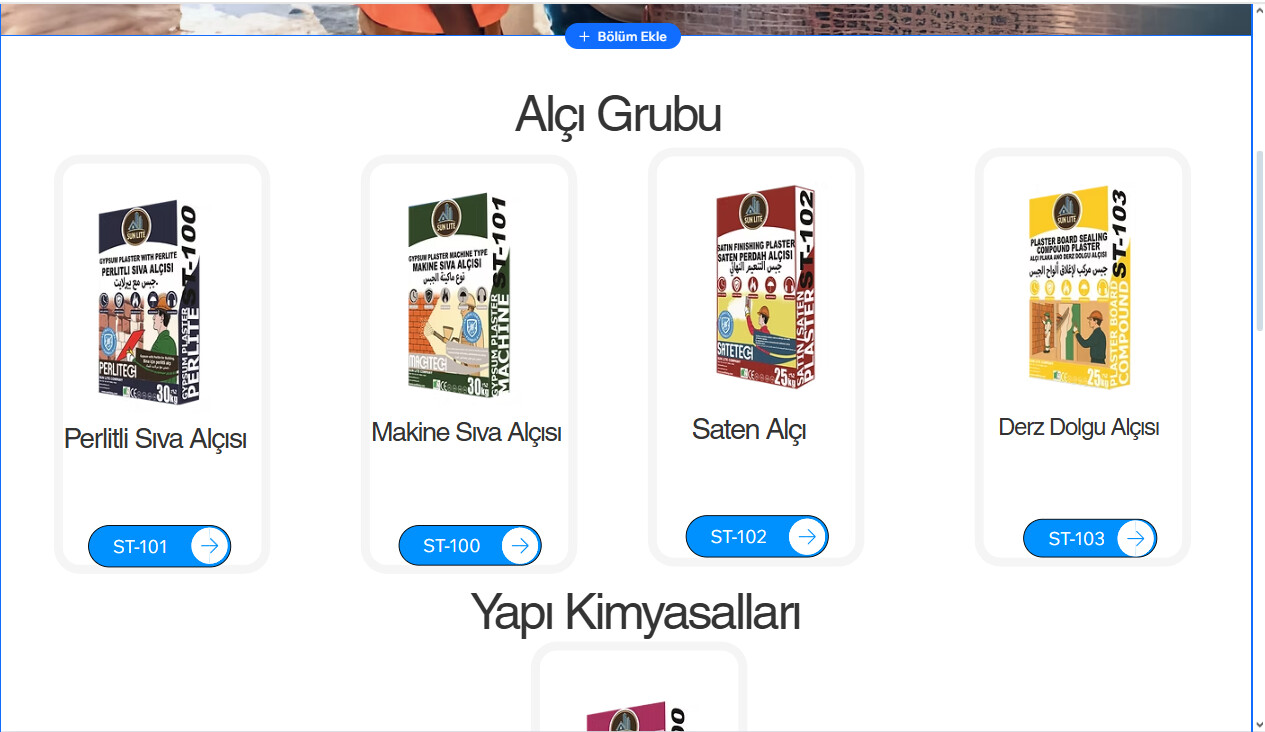
published:
