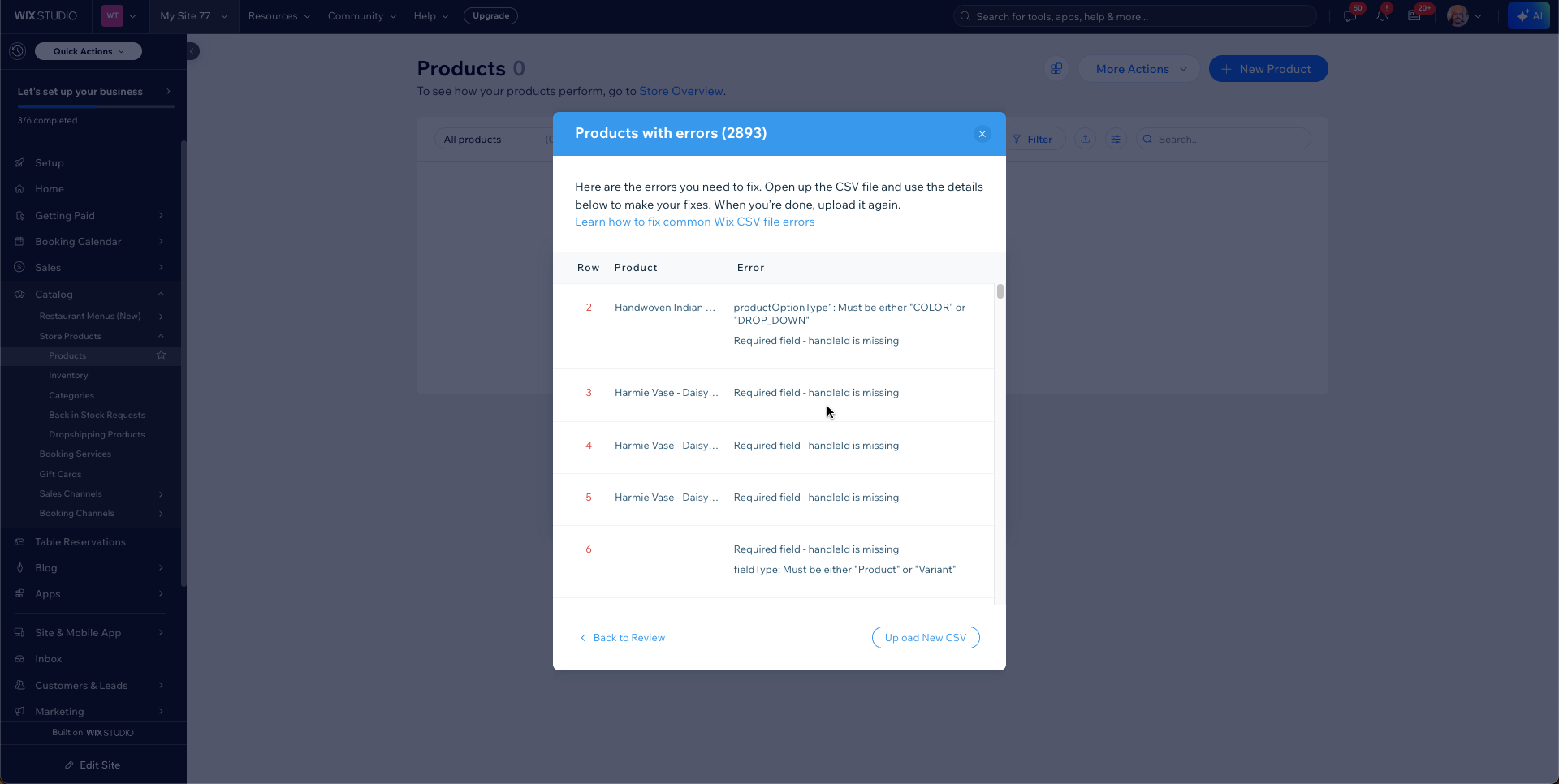
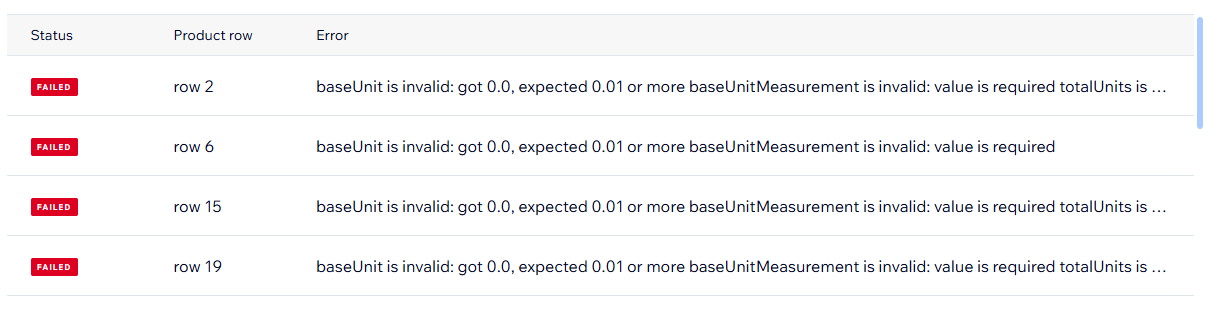
I’m having trouble with
When I upload the CSV there are no errors reported, everything works fine EXCEPT the images are not linked to the product. I.e no images show on the product
The images DO upload, I can see them in the media storage, but they aren’t linked to the actual product.
EDIT:
The images that don’t work actually DO NOT get uploaded, I can’t figure out why…
I’m using the exact same method for the products that work/don’t work.
This is doing my head in, I’ve checked and checked and there’s no obvious sign of why some products work and others don’t.
Working in
Wix Editor
What I’m trying to do
Upload my product list with all images working properly
What I’ve tried so far
Simply used my previous stores image URL’s, these url’s are publicly accessible and wix stores these in it’s media storage. But this didn’t work.
Uploaded all images to Google drive, same result.
Uploaded all images to Cloudinary, again, same result.
I actually tested it with some images that did and did not end with .jpg and they both worked to various degrees. I pulled the images randomly so the URLs vary but I was hoping to do that to see if there would be issues. There was a delay while it was adding information but most updates without issue.
When I upload a few at a time, it works fine. I was uploading about 7 products at a time and there are absolutely no issues, but if I try to upload more products, then that’s when the images don’t upload. No reasonable explanation… It just doesn’t work when I import many, which is not good because I have over 400 products.
I did contact support twice, the last time the support worker said they had escalated this to higher support, but I’m not sure what’s happening with that as I don’t have any ticket or email about it.
I realized on double-checking the support article that some of my images were .avif; once I changed the files to .jpeg/.jpg, they worked and uploaded correctly.
I also uploaded my images to the media manager as well and that seemed to help consistently upload without issues.
For me, a few worked fine, less than 10, but I have over 400 products and nearly 2000 images, and this is not really a feasible method for doing it in bulk, especially considering this is the bulk method.
One thing I noticed before when trying to upload the 400 products, is that it was always the same product images that would work and that wouldn’t work, every time, the few that would work, would always work, and the many that didn’t work, would never work.
Initially, I did a small amount of products but I recently extended it out to be 1000 products. I was able to see that having URL parameters seemed to cause issues when using the URLs so I cleaned them up to follow a format like this:
Oh this csv is for a normal wix store, not wix studio.
Unfortunately I wasn’t aware there was a difference when signing up, I’m not in the process of trying to switch over but we’ve already paid for a year for a Wix Store plan.
I’m still looking through the CSV and I believe I’ve cleaned it up but I was unable to upload due to a technical issue on my end but I reached out on my end. If you want to try this file to see if it works for you, let me know.
I realized I uploaded the incorrect file but I also have the same issue. Regarding this, I actually reached out to the support team and I’ve had them reopen the ticket you mentioned you opened with them.